
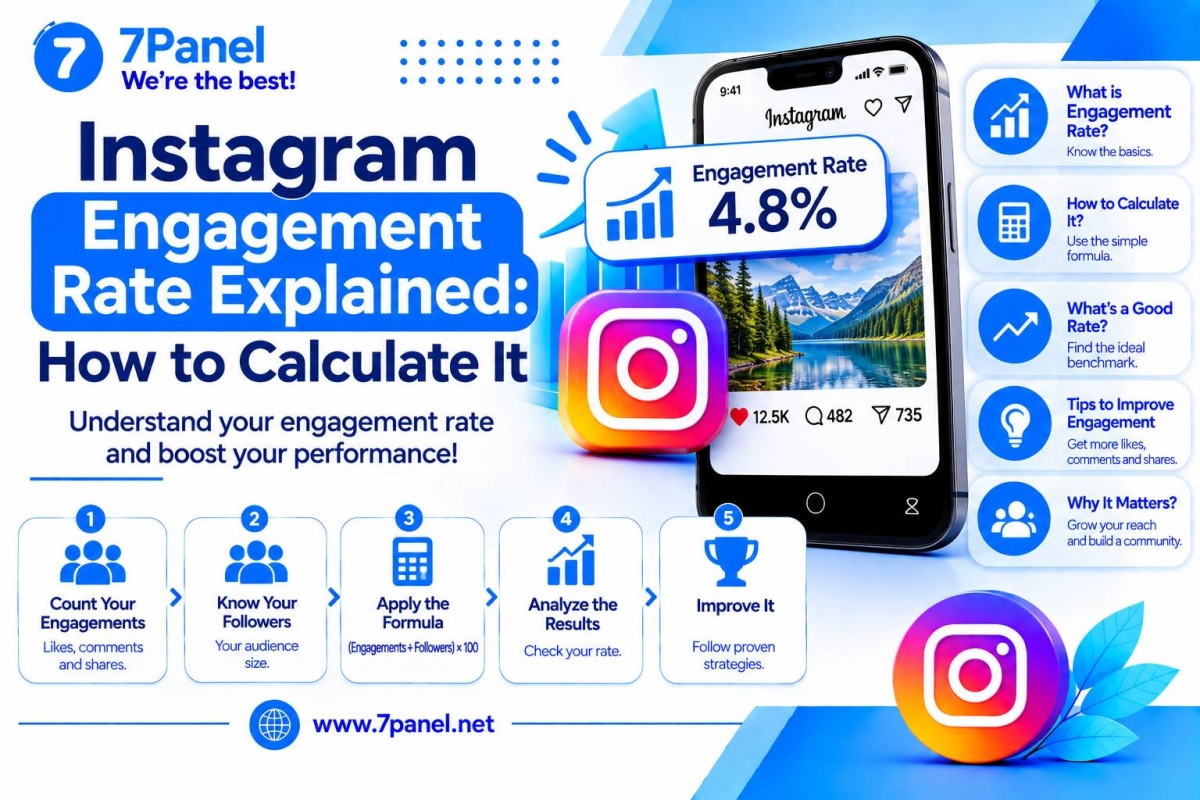
Instagram Engagement Rate Explained: How to Calculate It
The numbers of followers and the number of views on an Instagram account may indicate how much the account has progressed, but they may not always indicate the level of genuine interest in the content posted there.
This is where the engagement rate comes into play. The engagement rate helps you determine how your followers interact with your content via likes, comments, shares, and saves.
No matter if you have an individual account, a business account, or a creator account, knowing about your engagement rate on Instagram can benefit you greatly.
1. What Is Instagram Engagement Rate?
Instagram engagement rate is a percentage used to measure how much people interact with your content relative to a specific audience measurement, such as your followers or the accounts reached.
Common engagement actions include:
- Likes
- Comments
- Shares
- Saves
- Story replies and interactions, when included in the calculation
A high engagement rate can indicate that your content resonates with your audience. However, the percentage depends on the formula you use, your account size, your content format, and your niche.
Engagement rate is not the same as reach, views, or follower count. It measures interaction in relation to an audience or exposure metric.
2. How to Calculate Instagram Engagement Rate
There are several ways to calculate Instagram engagement rate. The best formula depends on what you want to measure.
Engagement Rate by Reach
This formula measures interactions relative to the number of unique accounts that saw your content.
Formula:
Engagement Rate by Reach = (Total Engagements ÷ Reach) × 100
For example, imagine a post receives:
- 400 likes
- 50 comments
- 80 saves
- 70 shares
Total engagements = 600
If the post reached 10,000 accounts:
(600 ÷ 10,000) × 100 = 6%
The engagement rate by reach is 6%.
This method is useful for evaluating how effectively a particular post engages the people who actually saw it.
Engagement Rate by Followers
This formula compares interactions with your total follower count.
Formula:
Engagement Rate by Followers = (Total Engagements ÷ Followers) × 100
For example, if a post receives 600 engagements and your account has 15,000 followers:
(600 ÷ 15,000) × 100 = 4%
This method is useful for comparing accounts, especially when reach data is unavailable.
Engagement Rate by Views
For video content, particularly Reels, you can also calculate interactions relative to views.
Formula:
Engagement Rate by Views = (Total Engagements ÷ Views) × 100
This helps you understand how viewers interact with a video after it receives plays.
Keep in mind that views and reach are different metrics, so view-based and reach-based engagement rates should not be treated as identical.
3. What Counts as Instagram Engagement?
Not every interaction has the same meaning.
Likes: A quick signal that someone appreciates your content.
Comments: Show that your content encouraged a response, opinion, or conversation.
Shares: Indicate that someone found your content worth sending to another person.
Saves: Suggest that your content contains information, ideas, or value that someone wants to revisit.
Story interactions: Replies, poll votes, question responses, and other sticker interactions can help measure how actively people engage with your Stories.
For a more meaningful analysis, do not focus only on likes. Shares, saves, and comments can provide additional insight into how useful or relevant your content is.
4. What Is a Good Instagram Engagement Rate?
There is no single engagement rate that is universally considered good for every Instagram account.
Your results can vary based on:
- Number of followers
- Industry or niche
- Content format
- Audience demographics
- Organic or paid distribution
- How engagement rate is calculated
Smaller accounts may have higher engagement percentages because their audiences are more concentrated. Larger accounts may receive more total interactions but a lower percentage relative to followers.
Instead of comparing yourself with an unrelated account, establish your own baseline.
Track your average engagement rate over the last 10–20 posts and compare new content against that average. Consistent improvement is often more useful than chasing an arbitrary benchmark.
5. Engagement Rate vs. Reach vs. Views
These metrics measure different aspects of Instagram performance.
| Metric | What it measures |
|---|---|
| Engagement Rate | How actively people interact with content relative to an audience metric |
| Reach | The number of unique accounts that saw content |
| Views | The number of times content was played or viewed, including repeat plays where applicable |
| Followers | The number of accounts following your profile |
A post can have high reach but low engagement if many people see it without interacting.
Another post may reach fewer people but receive more comments, saves, and shares relative to its audience.
Understanding these differences helps you evaluate content based on its actual objective.
6. How to Check Instagram Engagement
If you have a Creator or Business account, you can use Instagram Insights to review content performance.
To check your metrics:
- Open your Instagram profile.
- Go to your Professional Dashboard or Insights.
- Select the content you want to analyze.
- Review likes, comments, shares, saves, reach, and other available metrics.
- Compare different posts over the same period.
You can calculate engagement rate manually using the formulas above or use an analytics tool that calculates it automatically.
For accurate comparisons, always use the same formula and a consistent reporting period.
7. How to Improve Your Instagram Engagement Rate
Improving engagement starts with creating content that people have a reason to interact with.
Create More Relevant Content
Understand your audience's interests, problems, and questions. Posts that provide practical value or relate to real experiences are more likely to encourage interaction.
Improve Your Opening Hook
For Reels and videos, capture attention immediately. Avoid long introductions and communicate the main idea early.
Encourage Meaningful Conversations
Ask relevant questions, invite opinions, and respond to comments. Avoid engagement bait or requests that feel unnatural.
Publish Shareable and Saveable Posts
Tutorials, checklists, useful tips, and relatable content can encourage users to save or share your posts.
Test Different Content Formats
Experiment with Reels, carousels, Stories, and other formats. Analyze which formats generate the strongest engagement for your particular audience.
Maintain Consistency
Publish regularly and review your performance over time. Consistency gives you more opportunities to learn what resonates with your audience.
8. Use Instagram Marketing Strategically
Engagement is one part of a broader Instagram marketing strategy that also includes content creation, audience growth, profile optimization, and discoverability.
If you are exploring promotional options for your Instagram account, you can review Instagram SMM services to learn about available Instagram marketing services.
Remember that promotional activity should support your overall strategy. Relevant audiences and meaningful interactions are more valuable than focusing only on increasing visible numbers.
Frequently Asked Questions
Add the interactions you want to include, divide the total by followers, reach, or views depending on your chosen formula, and multiply by 100.
It may be a strong result for some accounts, but there is no universal benchmark. Account size, niche, format, and calculation method all affect the result.
Yes. Many commonly used formulas include likes, comments, saves, and shares. Some calculations also include Story interactions, depending on the reporting method.
Possible reasons include irrelevant content, inactive followers, weak hooks, inconsistent posting, limited audience interaction, or using a calculation method that does not match your content goals.
Use follower-based engagement when comparing accounts or when reach is unavailable. Use reach-based engagement to evaluate how effectively an individual post engages the people who saw it.
Conclusion
Instagram Engagement Rate is one way that will help you understand how people react to your content besides simply following you and watching your posts.
With the right formula, by studying your Insights and the number of likes, comments, saves, and shares that you receive, you will be able to know what kind of content gets attention.
Try to make your content helpful, relatable, and interesting.



Join us on Telegram
Get updates and tips on our channel.
Article tools
Share this article