
How to Find Your Blocked List on Instagram and Unblock Accounts (2026)
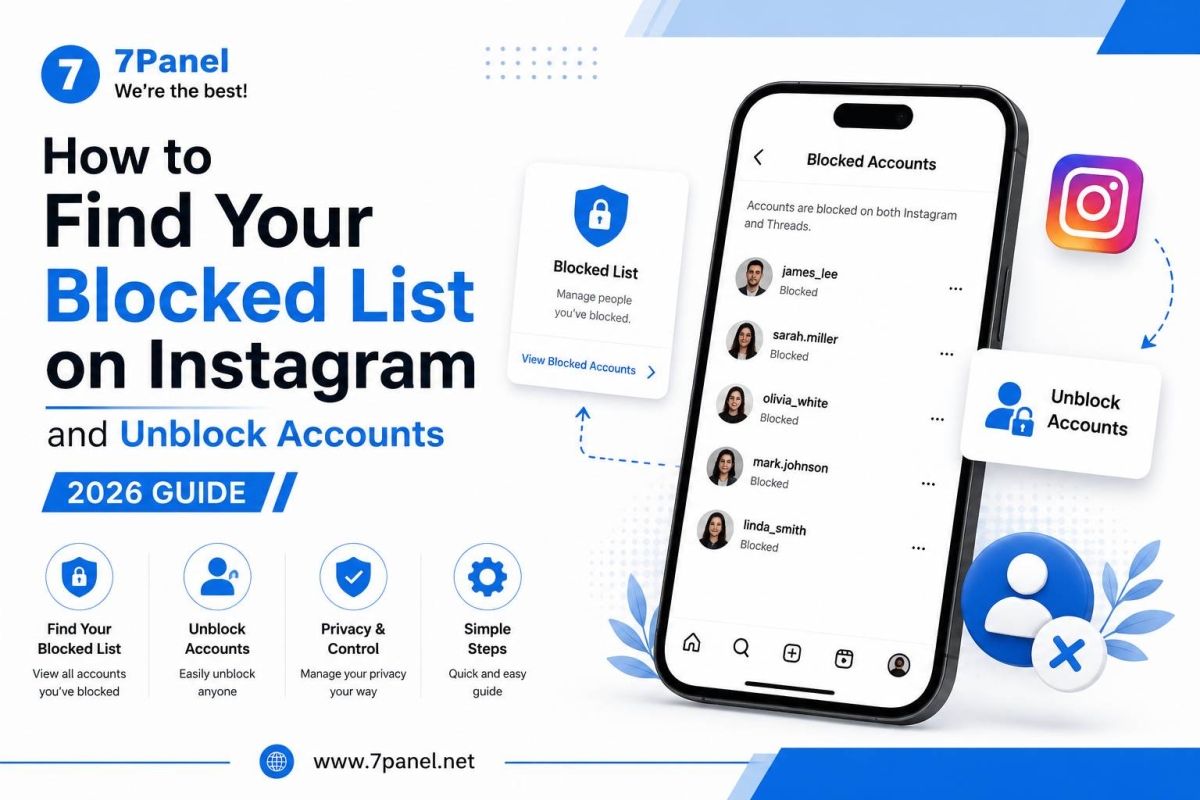
If you have blocked any person on Instagram and need to locate him, you will be able to check the entire list of your Blocked Accounts straight from your settings page.
The social networking site Instagram gives you an option to browse through blocked accounts and unblock people whenever required.
📱Steps to Access Your Blocked Account List on Instagram
Here is what you should do:
- Launch the Instagram application.
- Navigate to Profile.
- Tap on ☰ Menu present at the top-right corner of the screen.
- Go to Settings & Activity.
- Tap on Blocked or Blocked Accounts.
Your full blocked accounts list will open.

🔓 How to Unblock Someone on Instagram
Once you find the blocked list, unblocking an account is simple:
- Open Blocked Accounts.
- Find the person you want to unblock.
- Tap Unblock next to their username.
- Confirm by tapping Unblock again.
The account will immediately be removed from your blocked list.

👤 How to Unblock Someone From Their Profile
You can also unblock someone directly from their profile if you can find their account.
- Search for the person's Instagram username.
- Open their profile.
- Tap Unblock.
- Confirm the action.
After unblocking, they are no longer blocked by your account.
⚠️ What Happens After You Unblock Someone?
Unblocking an account does not automatically restore the previous relationship.
For example:
- They are removed from your blocked list.
- They may be able to find your profile again depending on your privacy settings.
- If you want to follow each other again, you may need to do so manually.
If your account is private, the person may need to send you a new follow request.
🎯 Conclusion
Instagram makes it easy to manage the accounts you've blocked.
By going to Settings and Activity → Blocked Accounts, you can quickly view your blocked list and unblock anyone whenever you choose.
Frequently Asked Questions
Go to Profile → ☰ Menu → Settings and Activity → Blocked Accounts.
Yes. You can remove any account from your blocked list at any time.
Instagram does not send a direct notification saying that you have unblocked them.
No. You may need to follow each other again manually.
Yes. You can block the account again whenever you need to.


Join us on Telegram
Get updates and tips on our channel.
Article tools
Share this article