
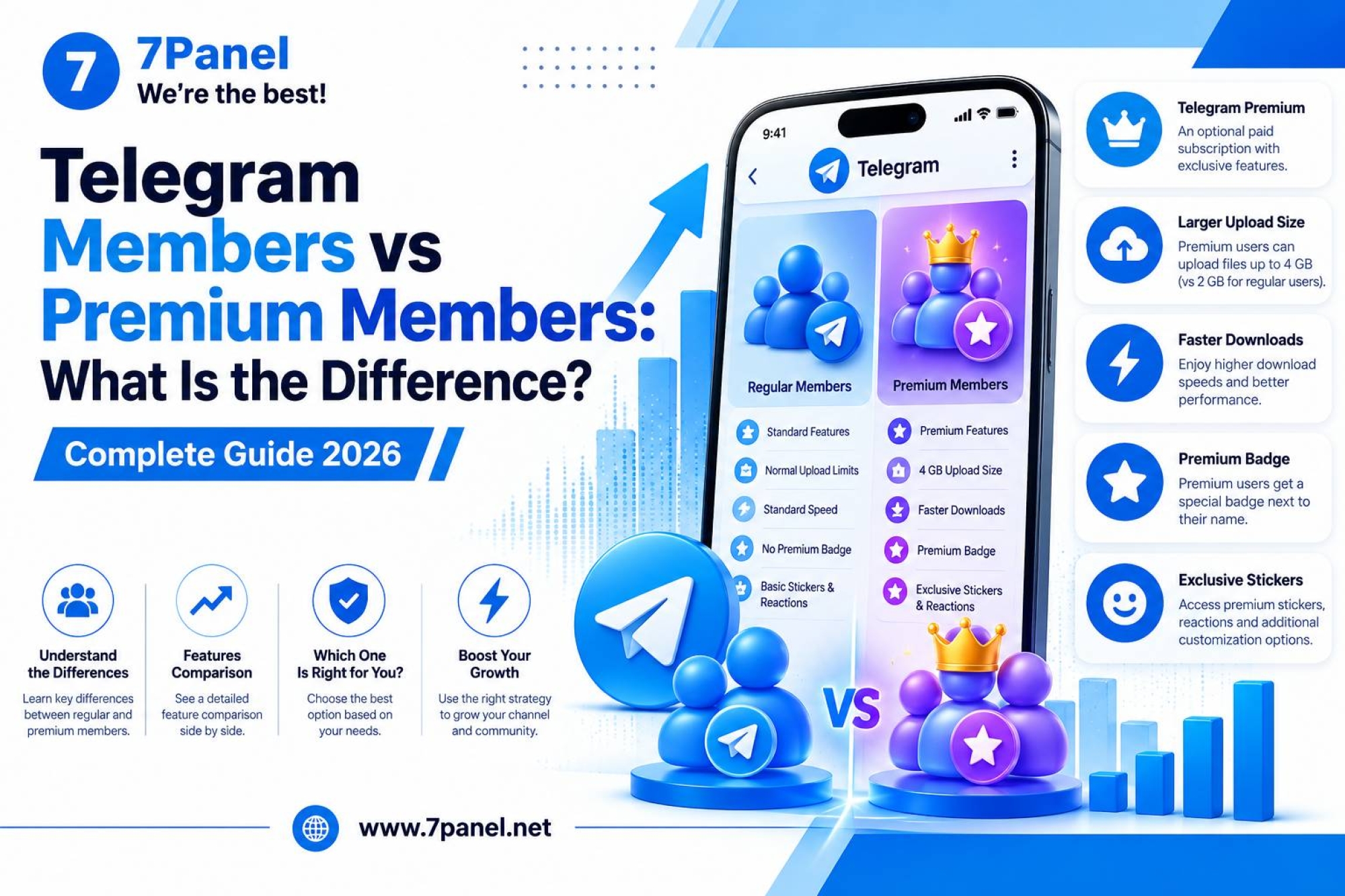
Telegram Comments & Engagement Guide: How to Increase Channel Interaction
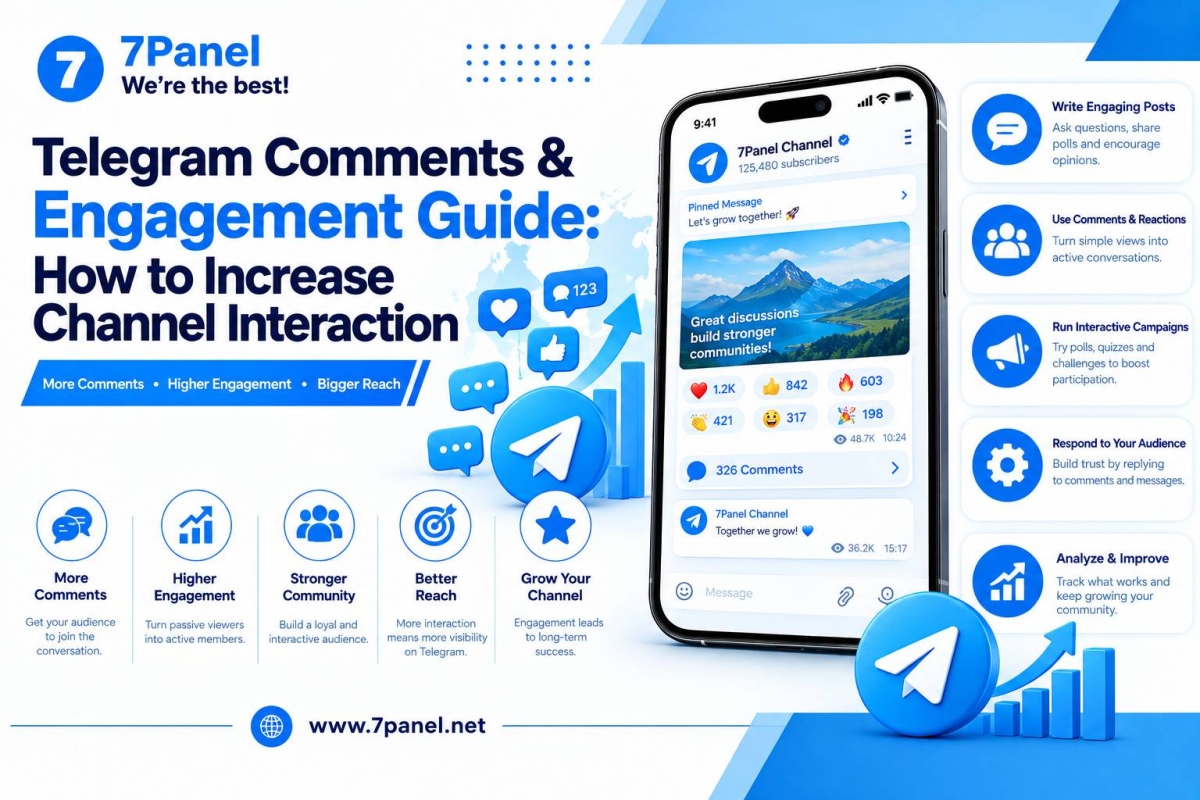
What Are Telegram Comments and Engagement? 💬
Telegram comments allow users to respond to channel posts through discussion threads. When a channel is connected to a discussion group, subscribers can comment on supported posts and participate in conversations.
Telegram engagement refers to the different ways people interact with your content, including comments, reactions, poll votes, forwards, and other forms of participation.
For channel owners, engagement is important because it helps reveal whether an audience is simply viewing content or actively responding to it.
A successful Telegram channel should focus on more than subscriber numbers. It should encourage meaningful conversations, publish useful content, and create reasons for people to return.
In this guide, you will learn how Telegram comments work, how to enable discussions, and how to build a more engaged community.
1️⃣ How Do Telegram Channel Comments Work?
Telegram channel comments work through a discussion group connected to the channel.
When the feature is available and configured, a comment button appears beneath channel posts. Users can open the discussion thread, write replies, and participate in conversations related to the original post.
According to Telegram's official guide to channel comments, comments appear in their own threads and are also delivered to the connected discussion group.
This structure allows channel owners to publish content while giving subscribers a place to respond.
Example of a Telegram Comment Workflow
Channel Post → Comment Button → Discussion Thread → Replies and Conversation
For example, a marketing channel might publish a post about a new Instagram feature. Subscribers can ask questions, share opinions, and discuss how the update affects their accounts.
Instead of making every post a one-way announcement, comments can turn selected posts into opportunities for community interaction.
2️⃣ How to Enable Comments on a Telegram Channel
If you manage a Telegram channel, you can connect a discussion group to allow comments on its posts.

The general process is:
- Open your Telegram channel.
- Enter the channel information or management screen.
- Open the channel settings or editing options.
- Find the Discussion setting.
- Select an existing discussion group or create one.
- Confirm the connection and check how comments appear beneath your posts.
The exact menu names may vary depending on your Telegram client and version.
Telegram's official instructions identify Channel Settings → Discussion as the place to configure channel discussions. See the official Telegram channel comments guide for additional details.
What Happens After Connecting a Discussion Group?
Once the connection is configured, channel posts can provide a comment entry point. Users can open the discussion thread and reply to existing comments where permitted.
Keep in mind that a connected discussion group also needs moderation. Without clear rules and active administration, comment sections can accumulate spam, unrelated messages, or repetitive promotions.
3️⃣ Telegram Comments vs. Reactions: What's the Difference? ❤️
Comments and reactions both allow users to respond to content, but they serve different purposes.
| Feature | Telegram Comments | Telegram Reactions |
|---|---|---|
| Main purpose | Start or continue a conversation | Express a quick response |
| User effort | Requires writing a message | Usually one tap |
| Best for | Questions, feedback, discussion | Opinions, approval, sentiment |
| Moderation | Requires comment and discussion management | Administrators control available reactions |
| Typical use | Detailed interaction | Quick audience feedback |
Telegram allows administrators to enable or manage reactions in groups and channels, including choosing which emoji are available. The official Telegram reactions guide explains these controls.
For example, a technology channel can use reactions to collect quick opinions about a new feature and comments to invite detailed feedback.
Best practice: Use reactions when you want an easy response and comments when you want a conversation.
4️⃣ Why Are Comments Important for Telegram Engagement? 📈
A comment section can help turn passive readers into active participants.
Encourage Audience Participation
Some subscribers may have questions or opinions but would not start a separate conversation with the channel owner. Comments give them a convenient place to respond.
Collect Feedback
Comments can reveal what users like, dislike, misunderstand, or want to learn more about.
Create Community Discussions
When people respond to each other as well as to the original post, the channel becomes part of a broader community experience.
Discover New Content Ideas
Repeated questions can reveal topics worth covering in future posts or dedicated guides.
Build Relationships With Subscribers
Responding thoughtfully to relevant comments shows that the channel owner pays attention to the audience.
Comments do not guarantee higher reach or better search rankings. Their value comes from the information, participation, and relationships they can help create
5️⃣ How to Get More Comments on Telegram Posts 🚀
If your channel receives views but very few comments, start by improving the way you invite participation.
1. Ask Specific Questions
General questions such as “What do you think?” can be difficult to answer.
Instead, ask something directly related to your post.
Examples:
- “Which feature would be most useful for your business?”
- “Have you tried this method? What was your experience?”
- “Which topic should we cover in the next guide?”
- “What is the biggest challenge you face with Telegram?”
Specific questions give readers a clearer reason to respond.
2. Publish Posts That Solve Problems
Useful content often creates natural discussion opportunities.
Consider publishing:
- Practical tutorials
- Industry updates
- Step-by-step guides
- Product comparisons
- Frequently asked questions
- Case studies
- Explanations of new features
A post that solves a real problem gives readers something meaningful to discuss.
3. Invite Feedback Without Pressuring Users
A short invitation at the end of a relevant post can encourage participation.
For example:
“Have you tried this feature? Share your experience in the comments.”
Avoid repeatedly demanding comments on every post. The invitation should make sense in the context of the content.
4. Respond to Relevant Comments
Replying to useful comments can encourage a more active discussion.
Answer questions, clarify confusing points, acknowledge constructive feedback, and ask follow-up questions when appropriate.
However, do not create artificial conversations simply to make a comment section appear busy.
5. Turn Common Questions Into New Posts
If subscribers repeatedly ask the same question, create a post that addresses it.
You can then use the discussion thread to gather additional questions for future content.
This approach connects audience feedback with your content planning.
6️⃣ Use Polls to Encourage More Participation 📊
Polls provide another way to engage subscribers without requiring them to write a comment.
For example, a Telegram marketing channel could ask:
“Which topic should we cover next?”
- Channel growth
- Content planning
- Reactions and engagement
- Social media analytics
Polls are useful when you want to collect responses from people who may not feel comfortable writing a public comment.
Use the results to identify audience interests and plan future posts.
Comments and polls can complement each other: a poll collects quick responses, while a discussion thread allows users to explain their choices.
7️⃣ How to Manage and Moderate Telegram Comments
Enabling comments is only the first step. Keeping discussions relevant and safe is equally important.
Set Clear Rules
Explain what type of discussion is welcome and what is not allowed.
For example, you may prohibit spam, repeated advertising, harassment, unrelated promotions, and abusive language.
Remove Irrelevant Spam
Spam can make it harder for users to find useful answers and can reduce the quality of discussions.
Review the discussion group regularly and use suitable moderation tools.
Respond Professionally
Not every comment will be positive. Address legitimate criticism calmly and provide useful information when possible.
Keep Conversations Relevant
If a discussion moves away from the original topic, guide it back to the subject or redirect users to a more suitable place.
Protect Community Members
Avoid exposing private information or encouraging users to share sensitive details in public discussions.
A well-managed comment section gives subscribers a better reason to participate.
8️⃣ Create a Telegram Content Strategy That Encourages Engagement
Comments are more effective when they are part of a consistent content plan.
A balanced Telegram content strategy might include:
Educational Posts
Publish tutorials, tips, and practical explanations that help subscribers learn something.
News and Updates
Share relevant developments and invite users to discuss how they may affect them.
Questions and Discussions
Use selected posts specifically to gather opinions or experiences.
Polls
Ask your audience to choose between topics, formats, or ideas.
Shareable Content
Publish useful resources that subscribers may want to forward to other people.
You can use a simple weekly plan:
| Day | Content Type | Engagement Goal |
|---|---|---|
| Monday | Educational guide | Collect questions |
| Tuesday | News or update | Invite opinions |
| Wednesday | Poll | Learn audience preferences |
| Thursday | Practical tips | Encourage discussion |
| Friday | Weekly summary | Invite feedback |
Adjust the schedule to your niche and audience activity. Consistency is more useful than posting frequently without a clear purpose.
9️⃣ Measure Telegram Engagement Beyond Subscriber Numbers
Subscriber count alone does not show how people interact with your content.
Track several metrics together:
Views: How much recorded exposure a post receives.
Comments: How many written responses a post generates.
Reactions: How users respond through emoji.
Poll Votes: How many users participate in a poll.
Forwards: How frequently content is shared beyond the original post.
Subscriber Growth: Whether the channel is attracting or losing members.
You can also compare comments with views to understand how actively readers participate.
For example, if two posts receive similar views but one attracts more relevant comments, its topic or presentation may have encouraged more discussion.
Do not treat one post as proof of a trend. Review several posts over time and compare similar content types.
🔟 Why Do Some Telegram Channels Get Few Comments?
Low comment activity does not always mean that a channel is unsuccessful.
There are several possible reasons.
The Channel Is Primarily Informational
Some audiences prefer reading news or updates without replying.
The Topic Does Not Invite Discussion
A simple announcement may not provide an obvious reason to comment.
The Discussion Group Is Difficult to Find
Check that the discussion group is connected correctly and that the comment option is available to subscribers.
Questions Are Too General
Broad questions can leave readers unsure what to say.
Replies Are Ignored
If the channel owner never responds to questions, some users may become less willing to participate.
Content Does Not Match Audience Expectations
Review whether the topics you publish are relevant to the people following your channel.
Improve one factor at a time and compare the results rather than changing everything at once.
1️⃣1️⃣ Telegram Marketing Services and Engagement

Content quality and community management should remain the foundation of your strategy. Some channel owners also use marketing services as part of their wider growth efforts.
Depending on the available service catalog, Telegram-related options may include members, views, reactions, shares, comments, and other services.
Before choosing a service, check its exact description, pricing, delivery conditions, quantity limits, and refill policy.
You can explore the available Telegram SMM Panel services on 7Panel.
Use services only when they match your campaign goals, and do not assume that a higher number of comments automatically means stronger audience interest. Genuine questions, useful replies, and relevant participation are more informative than numbers alone.
1️⃣2️⃣ Best Practices for Sustainable Telegram Engagement 🌱
For long-term engagement, focus on building a channel people have a reason to follow.
- Publish content that helps your audience.
- Ask clear, relevant questions.
- Use reactions and polls where appropriate.
- Enable comments when discussion adds value.
- Respond to useful feedback.
- Moderate spam and off-topic messages.
- Review performance across multiple posts.
- Use promotion to reach people interested in your topic.
You can also explore Telegram marketing services as one part of a wider channel promotion plan.
The goal is not to maximize every metric on every post. It is to create a consistent experience that encourages the right audience to return and participate.
🔥 Conclusion
Telegram comments allow users to post questions, express opinions, and answer channel updates. In combination with suitable content, reactions, and polls, they can contribute to forming an active community.
In order to boost Telegram interactions, you should begin with opening up the discussion, asking appropriate questions, reacting to valuable feedback, and analyzing your performance based on several posts.
Instead of pursuing high numbers of comments, it is important to pay attention to their value. Promotion and marketing services can be used along with your efforts, but content and community management still matter.
👉 Explore the Telegram growth services available on 7Panel.
Frequently Asked Questions
Comments work through a discussion group connected to a Telegram channel. Users can open the comment thread beneath supported channel posts and participate in the discussion.
Open your channel's settings, find the Discussion option, and connect an existing discussion group or create one. Menu names may differ by Telegram client.
Telegram's standard channel-comment feature uses a connected discussion group. Check the channel's current settings to confirm the options available to your account.
Publish useful content, ask specific questions, invite relevant feedback, respond to subscribers, and use polls when you want quick responses.
Comments are written replies that support discussion. Reactions are quick emoji responses that let users express an opinion or feeling without writing a message.
No. Comments indicate participation, but they do not guarantee more views, distribution, or search rankings.
Set clear rules, monitor the discussion group, remove irrelevant spam, and use the moderation tools available to administrators.
You can review the available Telegram growth services on 7Panel and compare the current service details and conditions.



Join us on Telegram
Get updates and tips on our channel.
Article tools
Share this article