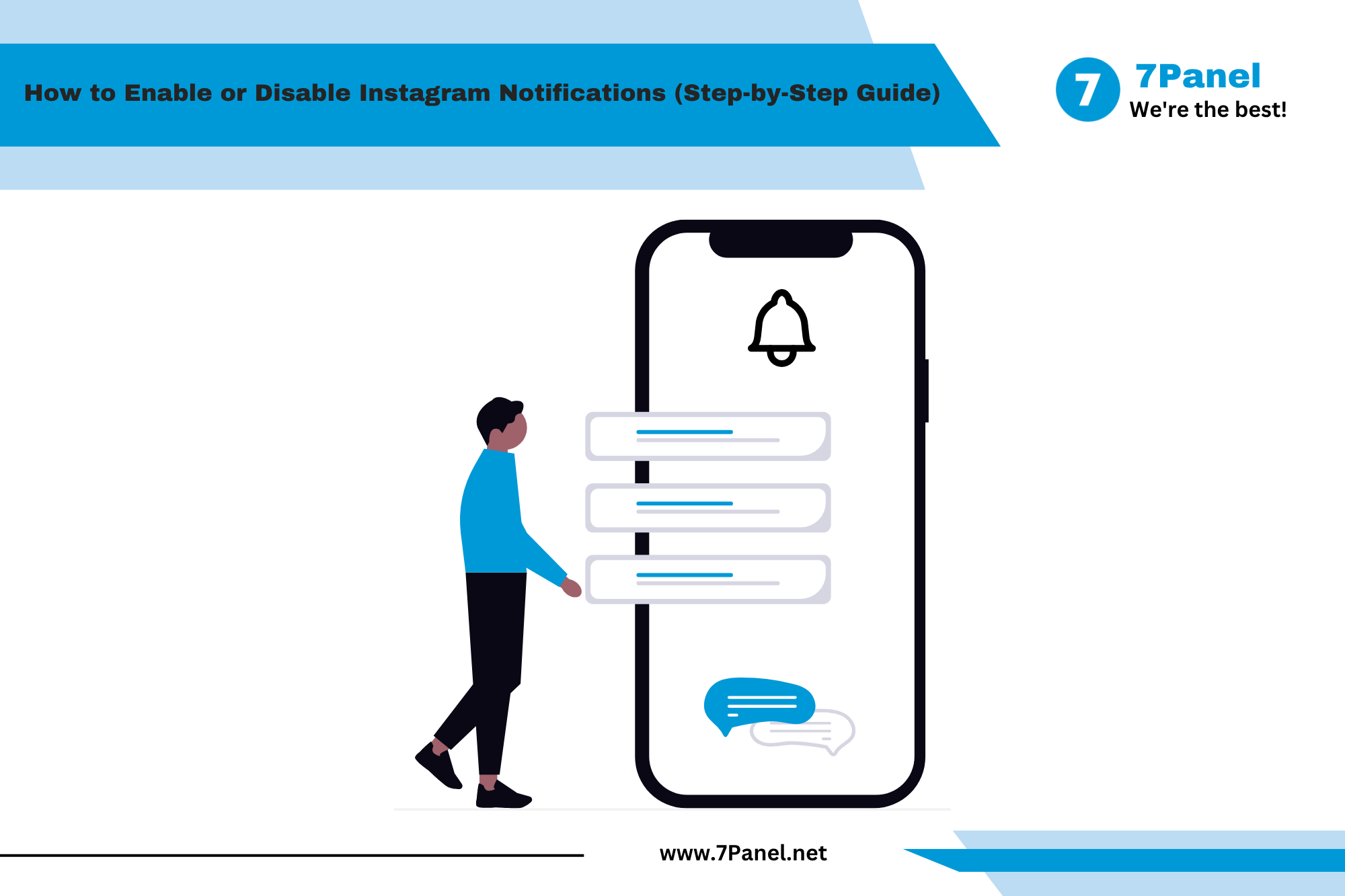
How to Limit Your Activity on Instagram (2026 Guide)

One of the most interesting social networks is Instagram, but being engaged in it for a long time may decrease your productivity and disturb your sleep. However, there are many inbuilt functions in Instagram that will help you to reduce your screen time and be more productive.
Regardless of whether you need to decrease the amount of time spent on Instagram or receive fewer notifications from it, this network will provide you with many useful tools.
In this article, you will find out how you can control your activity on Instagram.

🌟 Why Limit Your Instagram Activity?
Using Instagram responsibly offers several benefits.
✅ Reduce screen time
✅ Improve focus while working or studying
✅ Sleep better at night
✅ Minimize distractions
✅ Improve mental well-being
✅ Create healthier digital habits
Small changes in your Instagram usage can make a significant difference over time.
🌙 Use Sleep Mode
One of Instagram's best digital wellness features is Sleep Mode.
When enabled, Instagram can:
🌙 Pause notifications
📴 Reduce interruptions
💬 Automatically inform people that you're unavailable
This feature is ideal if you want uninterrupted time for work, study, or sleep.
How to Enable Sleep Mode
- Open Instagram.
- Go to Profile.
- Tap ☰ Menu.
- Open Settings and Activity.
- Tap Notifications.
- Select Sleep Mode.
- Choose your preferred schedule.
⏰ Set Daily Time Limits

Instagram allows you to receive reminders after spending a certain amount of time in the app.
To enable daily reminders:
- Open Profile.
- Go to Settings and Activity.
- Open Your Activity.
- Select Time Spent.
- Tap Daily Time Limit.
- Choose your preferred duration.
This feature encourages healthier screen-time habits.
🔕 Turn Off Unnecessary Notifications
Notifications often encourage unnecessary app usage.
You can disable notifications for:
✅ Likes
✅ Comments
✅ Live Videos
✅ Messages
✅ Follows
To manage notifications:
Settings → Notifications
Customize only the alerts that truly matter.
🚫 Restrict Unwanted Accounts
If certain users constantly distract or bother you, you don't necessarily have to block them.
Instagram's Restrict feature allows you to:
✅ Hide their comments
✅ Limit message requests
✅ Reduce unwanted interactions
This is a useful option for maintaining a more comfortable experience.
🔒 Make Your Account Private
A private account gives you greater control over who can interact with your content.
Benefits include:
✔️ Approving follower requests
✔️ Limiting profile visibility
✔️ Better privacy
To enable it:
Settings → Privacy → Private Account
⚙️ Control Sensitive Content
Instagram allows you to reduce the amount of sensitive or recommended content you see.
Go to:
Settings → Suggested Content → Sensitive Content Control
Choose the level that suits your preferences.
📱 Manage Suggested Content
Instagram constantly recommends posts, Reels, and accounts.
To reduce recommendations:
- Tap Not Interested on unwanted posts.
- Hide suggested content.
- Adjust your Explore recommendations.
Over time, Instagram will personalize your feed according to your preferences.
👥 Control Whom You Can Be Reached By
Cut down unwanted communications by managing:
- ✅ Request to message
- ✅ Mentions
- ✅ Hashtags
- ✅ Comments
All the above settings can be found in the Privacy section.
💡 Extra Advice for Balanced Instagram Experience
In order to achieve harmony in your online and offline life:
- ✅ Determine particular times for Instagram usage.
- ✅ Do not spend hours scrolling before you sleep.
- ✅ Switch off unnecessary notifications.
- ✅ Subscribe only to valuable accounts.
- ✅ Unsubscribe from stress-inducing accounts.
- ✅ Take breaks from social media.
🎉 Conclusion
A number of useful functions in Instagram can assist users in limiting their interactions and helping them to establish healthy habits. The use of such functions as Sleep Mode, Daily Time Limit, notifications, and privacy controls can facilitate more efficient use of Instagram.
There is no need to completely delete Instagram; rather, the user should use these functions to ensure more effective use of the application.
Frequently Asked Questions
Sleep Mode temporarily pauses notifications and lets others know you're unavailable during your selected hours.
Yes. You can use Daily Time Limits inside the Time Spent section of Your Activity.
Go to Settings → Notifications and disable the alerts you don't need.
Yes. A private account limits who can follow you and interact with your content, giving you greater control over your Instagram experience.


Join us on Telegram
Get updates and tips on our channel.
Article tools
Share this article